

Overview
Trodo is product behavior analytics for the agentic era. It helps teams that ship AI-native and agentic products—copilots, autonomous workflows, chat UIs, and API-backed agents—understand what people actually do in the product, what drives retention and conversion, and where workflows break. Classic tools were built for static pages and simple funnels. Agentic products add non-linear journeys: multi-step prompts, tool calls, human approvals, and async outcomes. Trodo gives you complete user profiles and flexible reporting so you can measure those journeys with the same rigor as traditional SaaS.- Behavioral events: Page and UI interactions, custom product events, auto-captured engagement signals
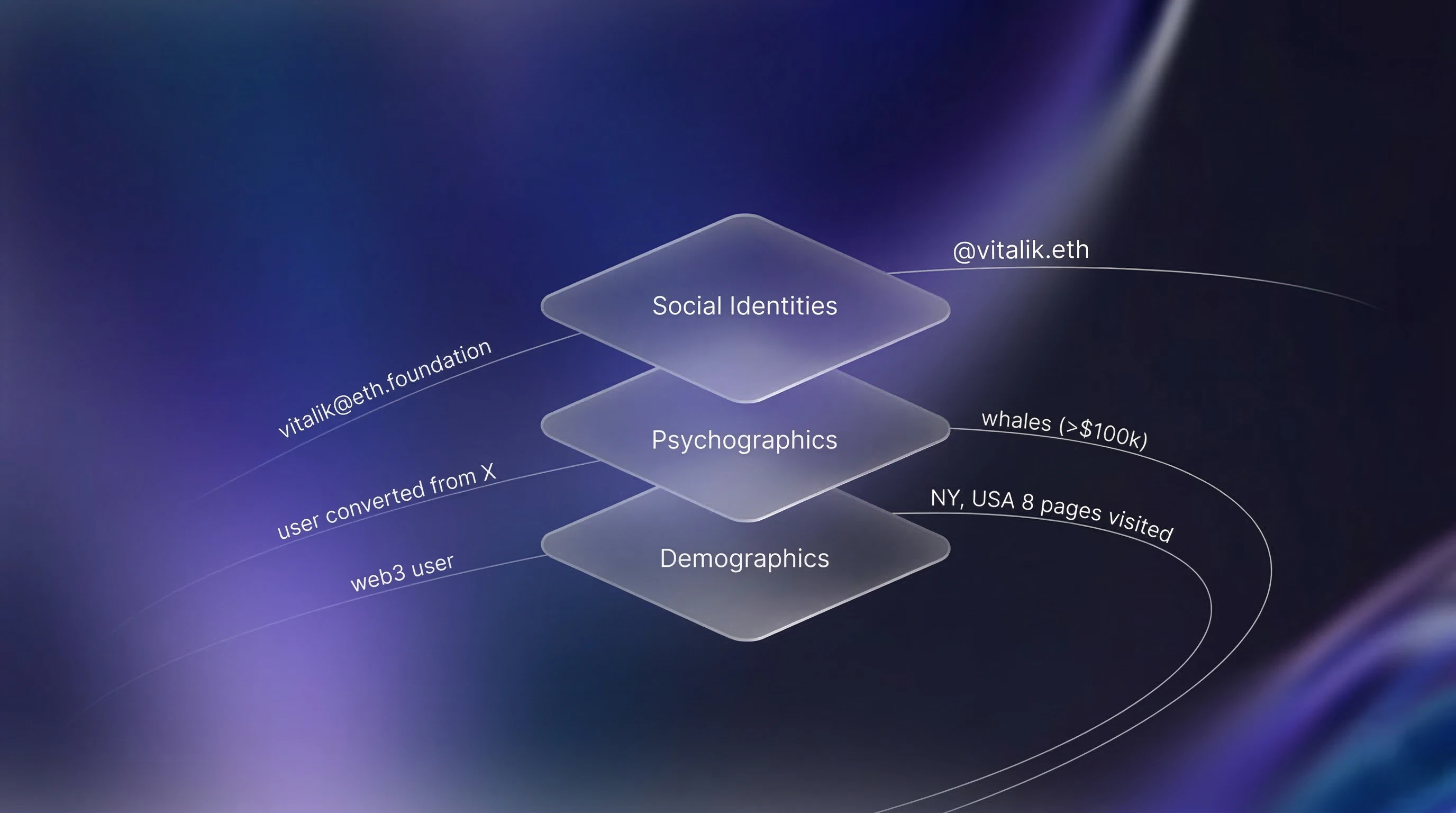
- Identity & properties: Who the user is, plan, role, agent settings, and any traits you set via the SDK
- Attribution: Tie campaigns and content to signup, activation, and recurring usage—not just vanity clicks
Why product teams choose Trodo
Agentic and AI products often mix web apps, embedded widgets, and server-side actions. Trodo focuses on a single question: what happened, for whom, and in what context? The CQ Intelligence merge engine stitches anonymous and identified activity into one profile so you are not blind across sessions or devices.Key capabilities
Full user journeys
See timelines of pages, clicks, custom events, and properties—so you can debug drops between “asked the agent” and “got a successful outcome.”
Activation & retention
Funnels, retention, and flows built for repeat usage and multi-session tasks, not only one-shot page conversion.
Flexible instrumentation
Auto-events for baseline behavior plus
track(), identify(), and people APIs for agent-specific steps (runs, tools, errors, approvals).B2B-ready
Groups for workspaces and tenants; segment by company, plan, or environment alongside product behavior.
How it works
1. Install the SDK
Add the script or npm package to your web surface:2. Automatic event capture (optional)
Whenauto-events is on, Trodo captures page views, clicks, scroll depth, forms, and other interaction signals without extra code.
3. Instrument what matters
UseTrodo.track() for product-specific events: agent runs, tool invocations, message sent, plan upgraded, workflow completed, and so on.
4. Identify users
CallTrodo.identify() when someone logs in or you have a stable user ID so anonymous history attaches to the right profile.
5. Analyze in the dashboard
Use Insights, Funnels, Retention, and Flows to answer questions about acquisition, activation, engagement, and churn—for humans and for the agents they use.Use cases
AI copilots & chat products
- Measure prompt → successful completion rate and time-to-value
- Compare behavior across models, plans, or feature flags
- Find steps where users retry, abandon, or escalate to support
Agent platforms & automation SaaS
- Track workflow definitions, runs, failures, and approvals
- Attribute upgrades to specific templates or integrations
- Segment power builders vs. occasional users
Traditional SaaS with agent features
- Unify classic funnel metrics with new agent surfaces in one profile
- See how help-center, in-app agent, and core CRUD features interact
Compared to other tools
| Capability | Trodo | Generic product analytics | Raw LLM logs only |
|---|---|---|---|
| Behavioral + custom events | ✅ | ✅ | ❌ |
| Auto-capture (clicks, scroll, forms, errors) | ✅ | Varies | ❌ |
| User profile merge across sessions/devices | ✅ | ✅ | ❌ |
| Groups (workspaces / B2B) | ✅ | Varies | ❌ |
| Built for agentic journey analysis | ✅ | Partial | Partial |
Next steps
Quickstart
Get up and running in a few minutes
What to Track
Plan events and properties for your product