
Concept
Triggers, nodes, the execution graph, versions, and run history.
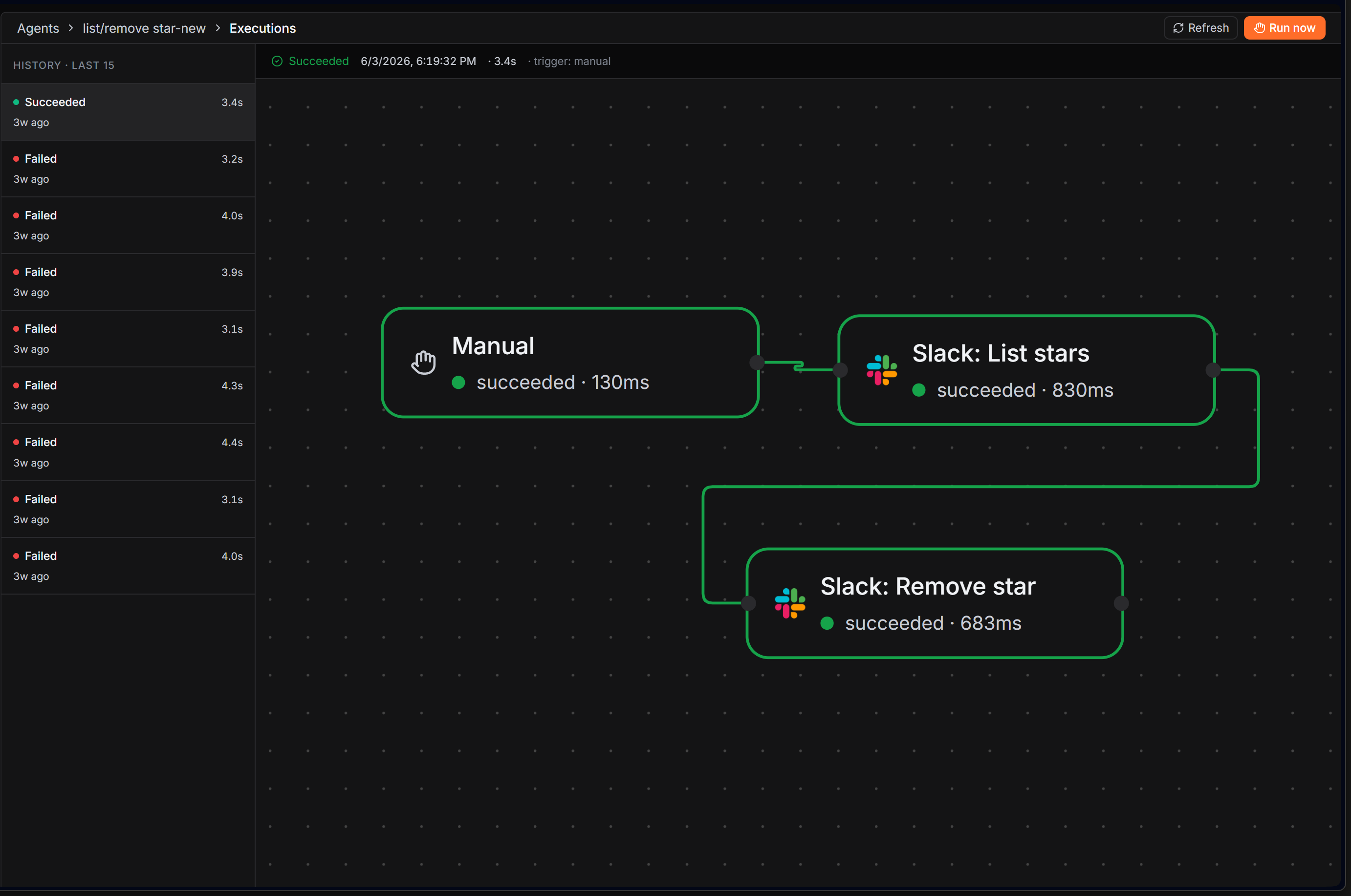
A workflow is a directed graph: a trigger node plus the nodes you connect to it. When the trigger fires, Trodo walks the graph and runs each node in order.
Triggers, nodes, edges
- A trigger starts the workflow and provides the first input (see Triggers).
- Nodes do the work: query data, branch, loop, run AI or code, call an integration (see Nodes).
- Edges are the connections you draw. A node with one input gets that node's output; a node with several inputs gets them merged by name. An if node routes down its true or false edge; a loop node fans out over a list.
Execution
When a workflow runs, Trodo creates an execution and walks the graph from the trigger. Independent branches run in parallel. Each step is recorded with its input, output, logs, duration, and any error.
Execution statuses: queued, running, succeeded, failed, cancelled. AI sub-nodes (a model or a tool attached to an AI agent) are configuration, not steps, so they don't appear as separate stops in the walk.
Versions
Editing a workflow updates a draft. Publishing snapshots it to an immutable version and arms its trigger. You can view version history and restore or republish an earlier version.
Run history
Trodo keeps the most recent executions per workflow (the latest are retained, older ones are pruned) so you can open any run and see exactly what each node did.
Safety
Credentials are encrypted at rest. Every query a workflow runs is scoped to your team. Webhook triggers verify a secret and support HMAC signatures and idempotency keys.