
Overview
The trodo command line: read and measure traces, see why evals failed, build and label datasets, manage prompts and issues, run agents, and export fine-tuning files from a terminal, a script, CI or a coding agent.
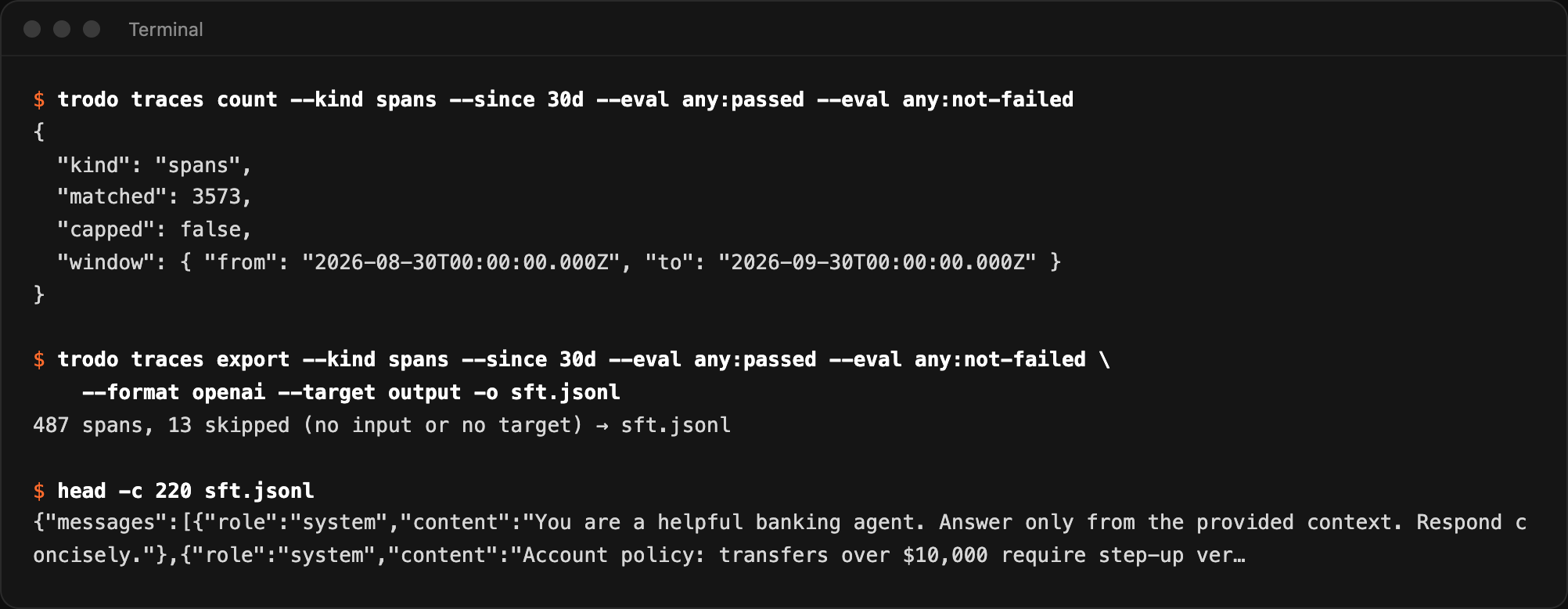
trodo is Trodo from a terminal. It does what is easier in code than in a browser: read a run's span tree, see which step of an eval failed, compare this week's traffic with last week's, pull and push prompt versions, close the issue you fixed, and the dataset loop: pick traces by their eval results, process rows with your own scripts, write Expected back, and hand a training file to Fireworks, Together or OpenAI.
Install
npm i -g trodo-cli
trodo login
Node 18 or newer. This page describes version 0.4.2 (trodo --version). trodo login opens the app to connect the terminal to a team: see Sign in.
What it does
| Area | Commands |
|---|---|
| Sign in | login, whoami, teams, switch, logout |
| Traces | traces count, stats, export, agents, fields, values |
| Runs, spans and conversations | runs list, search, get, tree, feedback; spans list, search, get; conversations list, get; users get |
| Evals | evals list, get, explain, steps, verdicts, verdict, mark, queue, review, grade; as files: pull, test, push, promote |
| Datasets | datasets list, get, versions, create, add, append, update, archive, restore, columns, export (also rows, download) |
| Prompts | prompts list, get, versions, pull, push, label |
| Issues and agents | issues list, get, failures, close, reopen; agents list, get, run, executions, execution |
| Coding agents | setup claude |
| Anything else | api GET|POST|PATCH|DELETE /path: any route of the CLI's API with your key |
Every command that reads traffic takes the same filter flags as the Traces page: a time window, agents, any Traces property, and eval results down to one step's answer.
Reads everything, destroys nothing
The CLI can read everything a person on the team can see. Its writes add or change without losing anything: a dataset, rows, a source, edits to rows (as a new version), archiving rows (restorable), new columns, feedback, a grade, a prompt version or label, an eval version or its production label, an agent run, an issue's status. Nothing it can do deletes, replaces or reverts anything, and traces, spans and conversations cannot be changed at all. The server enforces this for every key, so trodo api cannot get round it. Deleting is done in the app.
Output
- JSON by default, pretty on a terminal and one line when piped, so a script or a coding agent can read every command.
--tableprints a table for you to read,--csvthe same columns as CSV.- Lists return one page (
--limit, 50 by default);--allreads every page, up to--max-items(10,000). - Exports stream JSON Lines: one row or one training example per line.
-o filewrites them to a file and prints a one-line summary. - Exit codes:
0ok,1the API refused or failed,2a mistake in the command (an unknown dataset, a filter that cannot mean anything). The message says which.
trodo help lists every command and flag.
CLI or MCP
Both reach the same data with the same keys. Use the CLI when the work is a pipeline: pull rows, run your own code over them, write results back, hand a file to a trainer, run it in CI. Use MCP when an assistant is answering questions in a chat. A coding agent with a shell can do both; the CLI costs it nothing until it runs a command. See Coding agents.